Best AI for Coding in 2026 (Tools and Models, Compared)

The best AI for coding in 2026 depends on how you work. For most developers, Cursor or Claude Code are the top tools, GitHub Copilot is the safest default inside an existing editor, and Claude leads on model quality. Short answer: pick Cursor or Claude Code for serious building, Copilot for autocomplete, and a free model like DeepSeek or Qwen if budget is the priority.
Comparison table
| Tool / Model | Type | Best for | Price | Free tier |
|---|---|---|---|---|
| Cursor | Tool (IDE) | All-round AI coding | Free / ~$20/mo | ✅ |
| Claude Code | Tool (terminal) | Autonomous, multi-file | Usage / Max | Limited |
| GitHub Copilot | Tool (plugin) | Autocomplete in your IDE | ~$10/mo | Trial |
| Windsurf | Tool (IDE) | Beginner-friendly agentic | Free / paid | ✅ |
| ChatGPT / Codex | Tool + model | Explaining, snippets | Free / ~$20/mo | ✅ |
| Replit (AI) | Tool (cloud) | Build & deploy in browser | Free / paid | ✅ |
| Claude (model) | Model | Highest code quality | via tools/API | — |
| DeepSeek / Qwen | Model | Best free / open-weight | Free / cheap API | ✅ |
The picks
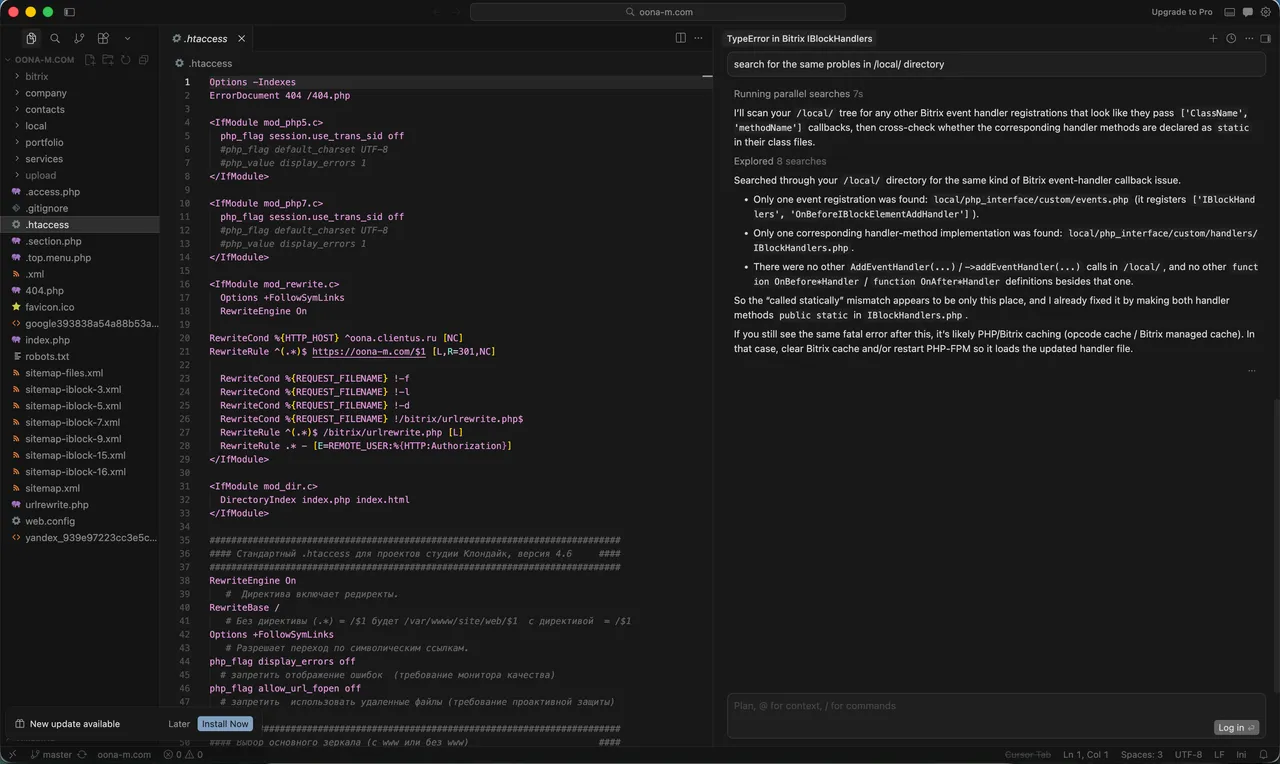
Cursor
Best overallA full editor (VS Code fork) built around AI: sees your whole project, makes multi-file edits, and runs an agent you review. The default pick for power without leaving an IDE. Watch for the learning curve and usage costs on heavy days.
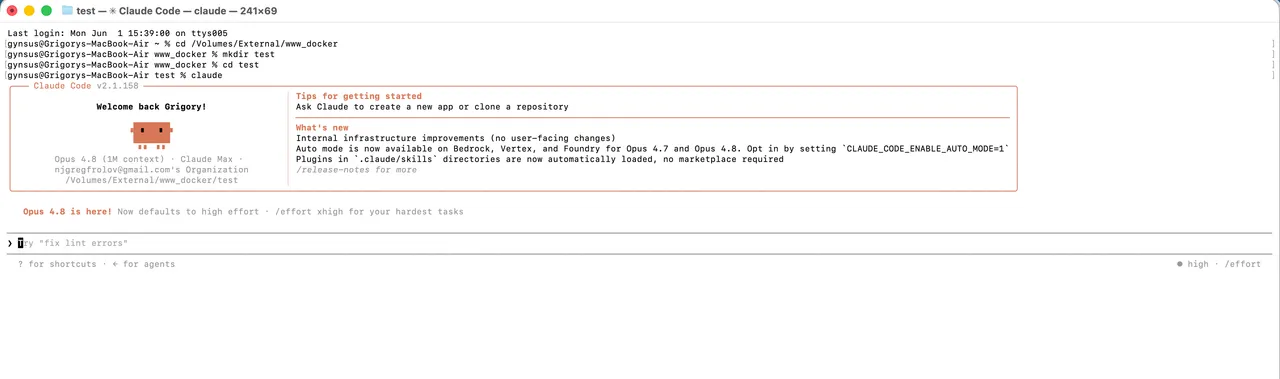
Claude Code
Most autonomousRuns in your terminal and is built to take the wheel on larger, multi-file tasks — reading many files, planning, editing, running tests. Best for experienced devs comfortable on the command line.
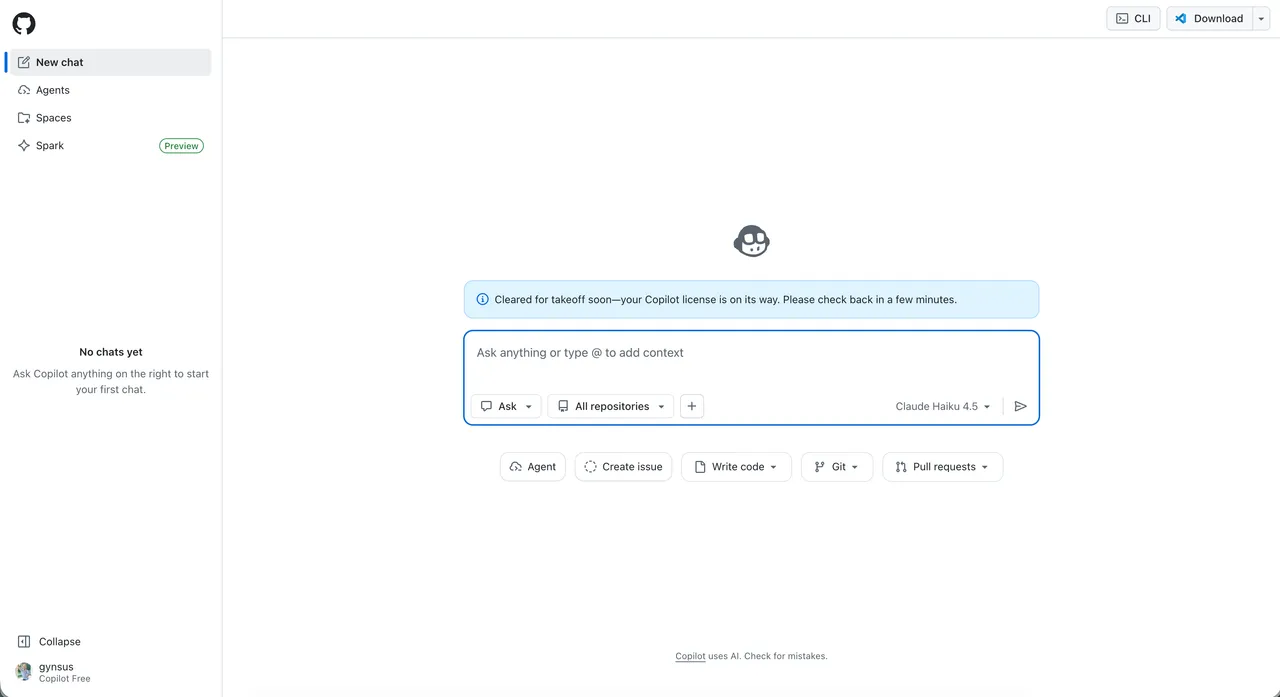
GitHub Copilot
Safe defaultLives in the editors you already use (VS Code, JetBrains) and shines at fast autocomplete. The lowest-friction way to add AI without changing tools — more assistant than autopilot.
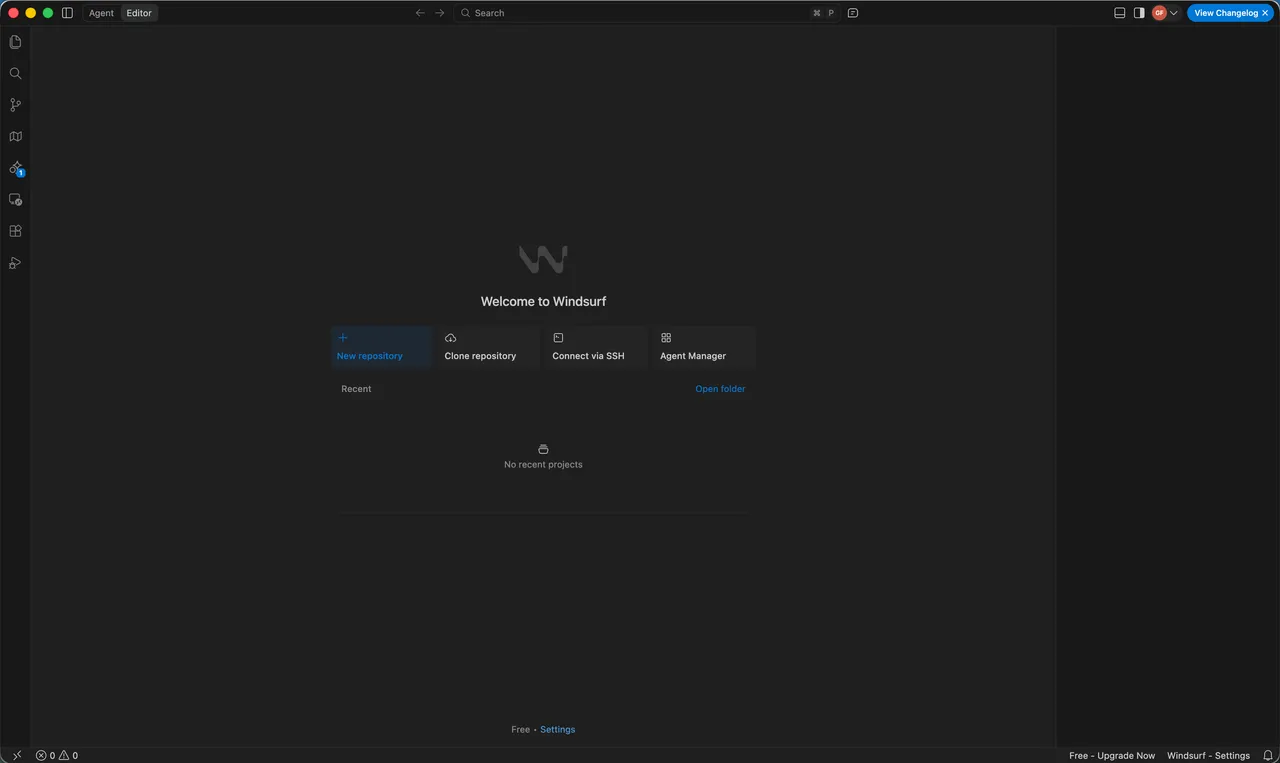
Windsurf
Best for beginnersA clean, approachable agentic experience with a generous free tier — a friendly on-ramp for people newer to AI coding.
ChatGPT / Codex
Explaining & scriptsNot a full coding environment, but unbeatable for ‘explain this error,’ quick scripts, and learning. Codex extends it toward autonomous tasks.
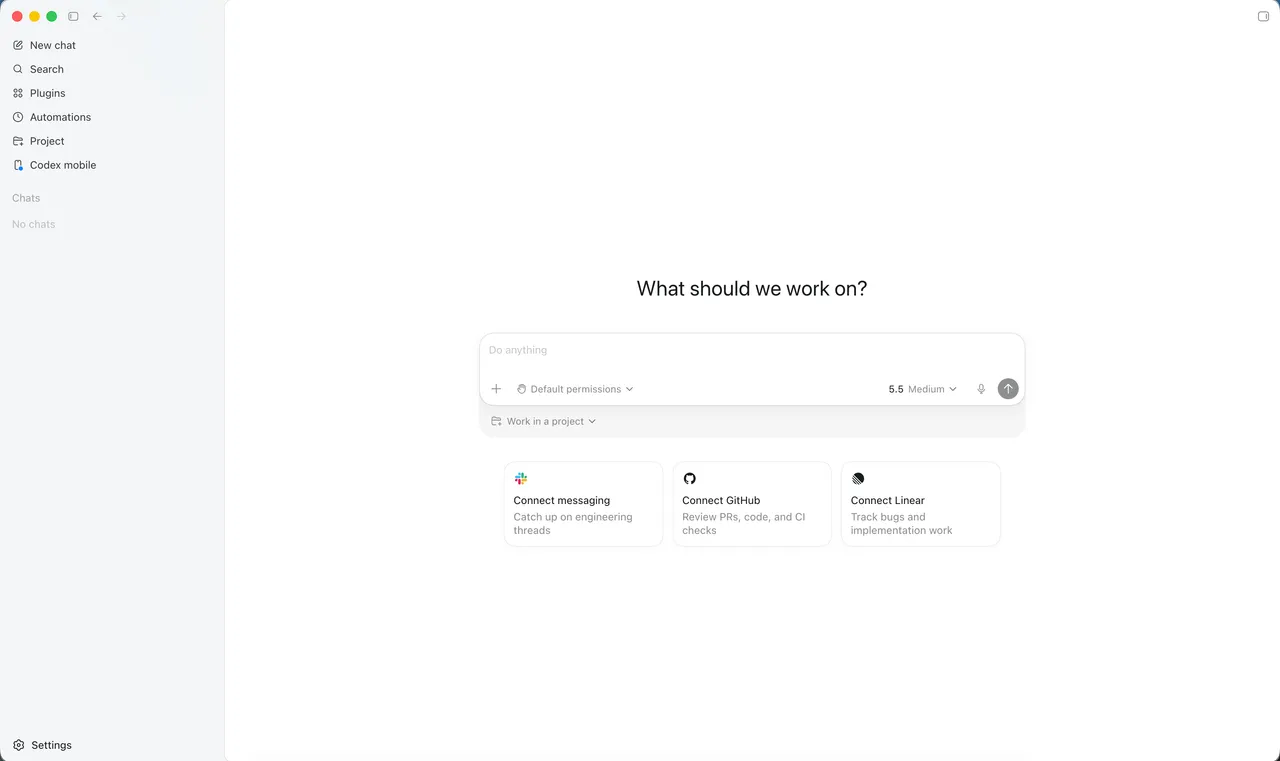
Replit
Build in browserBuild, run, and deploy with no local setup and AI help throughout. Great for quick prototypes and shipping small apps from anywhere.
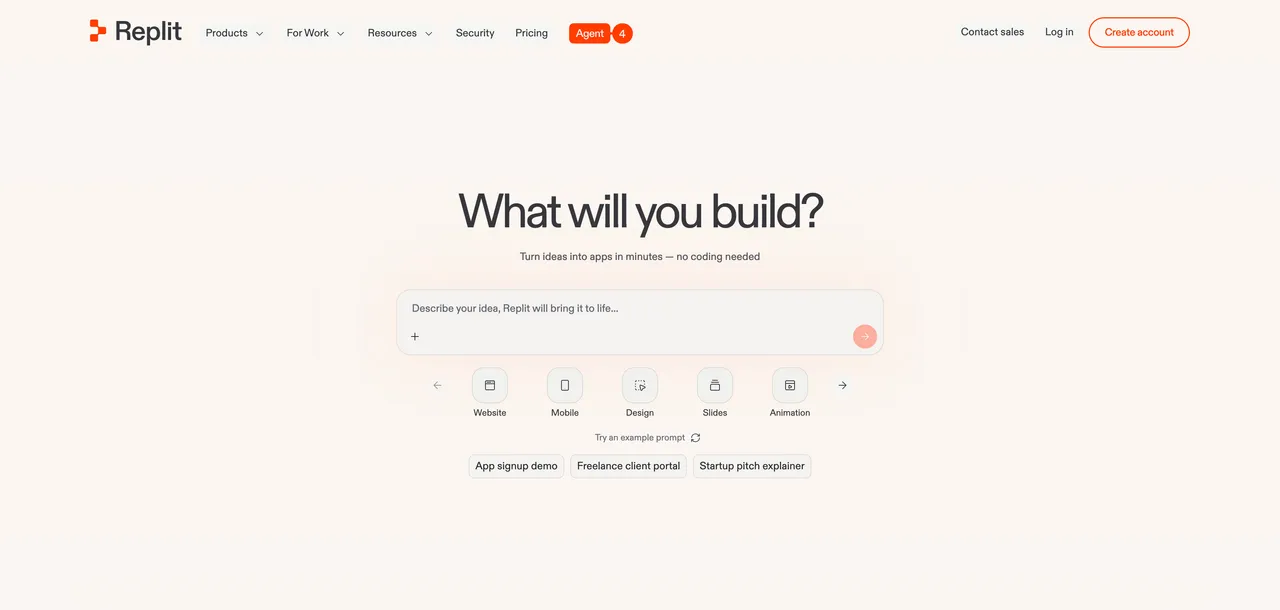
“Best AI for coding” hides two different questions: the best tool (the app you code in) and the best model (the AI brain underneath). They’re not the same, and confusing them is why people end up disappointed. Below we compare both, by the job you’re actually trying to do — with honest trade-offs and free options included.
AI coding tools vs AI models — what’s the difference?
An AI coding tool is the application you work in — it reads your codebase, edits files, runs commands, and shows results (Cursor, GitHub Copilot, Claude Code). An AI model is the underlying intelligence that generates the code (Claude, GPT, Gemini, DeepSeek). Most tools let you choose which model powers them.
In practice: the tool determines the experience (how much it can see and do for you), while the model determines the quality of the code it writes. The best setups pair a strong tool with a strong model — for example, Cursor running Claude.
What makes an AI coding tool good?
When we tested the options, five things mattered most:
- Codebase awareness — can it reason about your whole project, not just the open file? The biggest quality multiplier.
- Agentic ability — can it carry out a multi-step task rather than suggest one line?
- Model choice — can you run a top model like Claude, and switch when needed?
- Workflow fit — does it live where you already work, or force a new habit?
- Cost predictability — flat subscription or usage-based that can spike?
The picks above are weighted toward real, sustained use — not one-off party tricks. Where a tool has a genuine weakness, we say so.
Best AI models for coding
If you can choose the model inside your tool, this matters as much as the tool itself:
- Claude — widely regarded as the strongest for code quality and reasoning over large codebases. The default in Cursor and Claude Code.
- GPT (5-class) — extremely versatile with the broadest ecosystem; see our Claude vs ChatGPT comparison for everyday use.
- Gemini — strong long-context handling; convenient in the Google ecosystem, with a usable free tier.
- DeepSeek / Qwen — the best free / open-weight options. Close enough for many tasks at a fraction of the cost, and self-hostable.
Free vs paid AI coding tools
You don’t have to pay to start. Cursor, Windsurf, and ChatGPT all have capable free tiers, and open-weight models like DeepSeek and Qwen are free (and self-hostable). Paid tiers mostly buy you more: higher limits, the strongest models, and longer agentic runs. Start free, find the one tool you reach for daily, and pay only for that — most developers end up on a single ~$10–20/month subscription.
Not a coder at all? A different category — AI app builders like Lovable — lets you describe an app in plain English and get a working full-stack web app, no editor required. It’s the fastest path from idea to live prototype for non-developers.
Which should you choose?
| Your situation | Best pick |
|---|---|
| Autocomplete in your current editor | GitHub Copilot |
| One powerful AI IDE for everything | Cursor (on Claude) |
| Comfortable in the terminal, want autonomy | Claude Code |
| Total beginner | Windsurf or Replit |
| Budget is the priority | Free model (DeepSeek / Qwen) |
| Learning & debugging | ChatGPT or Claude (chat) |
There’s no single winner — the best AI for coding is the tool-and-model pair that matches your workflow and budget. Most developers land on Cursor or Claude Code with Claude as the model.
A practical way to decide: try the free tier of one tool for a week of real work, not a demo. Notice where it saves you time and where it gets in the way. If you mostly want faster autocomplete inside the editor you already love, Copilot wins on friction. If you want the AI to take on whole tasks — scaffolding a feature, refactoring across files, fixing failing tests — Cursor or Claude Code earn their keep. Teams should weigh admin controls and how the tool fits existing review and CI workflows, not just raw capability.
And remember the model matters as much as the tool: the same editor feels very different running Claude versus a weaker model. New to the underlying concepts? Start with what an AI agent is and what RAG means. Still deciding between the front-runners? Read our head-to-head: Claude Code vs Cursor, or start with the full Cursor AI guide. Want our tested prompts? Grab the free prompt pack.
Frequently asked questions
What is the best AI for coding?
For most developers in 2026, Cursor or Claude Code paired with the Claude model. GitHub Copilot is the best low-friction option if you don't want to leave your current editor.
What's the difference between an AI coding tool and an AI model?
The tool is the app you code in (Cursor, Copilot, Claude Code); the model is the AI that generates code (Claude, GPT, Gemini, DeepSeek). Tools usually let you pick the model.
What's the best free AI for coding?
For tools, Cursor and Windsurf have capable free tiers; for models, DeepSeek and Qwen are the strongest free/open-weight options. ChatGPT's free tier is great for learning and snippets.
What's the best AI for coding for beginners?
Windsurf or Replit — both have free tiers and a gentle learning curve. ChatGPT is excellent alongside them for explaining concepts and errors.
Is Claude or ChatGPT better for coding?
Claude is generally rated higher for code quality and reasoning over larger codebases; ChatGPT/GPT is more versatile with a broader ecosystem. Many developers use both.
Does AI replace developers?
No. AI accelerates coding and removes boilerplate, but developers are still needed for architecture, judgment, debugging, and deciding what to build.
Can AI write a whole app?
For small or prototype apps, increasingly yes — especially with agentic tools. For production systems, AI drafts large portions but human review, testing, and architecture remain essential.
What's the best AI coding tool for a team?
GitHub Copilot (deep GitHub integration and admin controls) or Cursor (powerful editor with team plans). Choose based on whether your team wants to stay in existing editors or adopt a new one.
Keep reading


Get good at AI — one practical email a week.
Tools, use cases, and shortcuts you can actually apply. No hype.