🔒 Unlisted — live & linkable, but noindex and hidden from menus/sitemap until ready.
LearnBuild an AI Agent in 15 Minutes (n8n, No Code) — Video Script
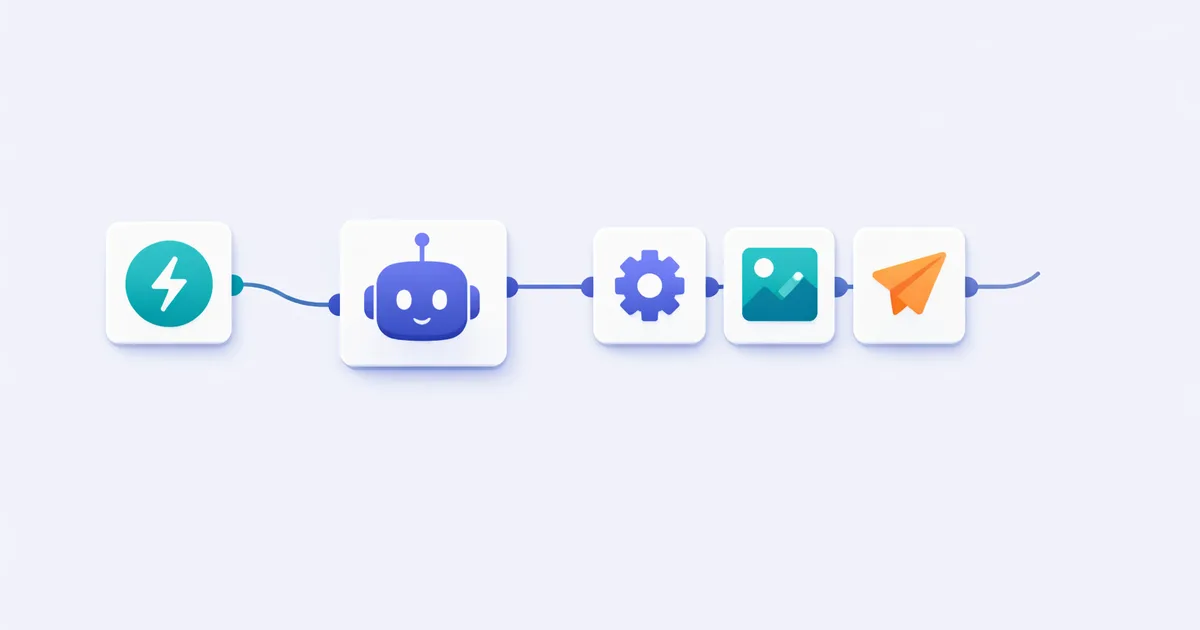
Chapters
- 0:00 What we're building
- 1:00 What is an AI agent
- 2:30 Setup (n8n + API key)
- 4:30 Step 1: Trigger
- 7:00 Step 2: AI Agent node + tools
- 10:00 Step 3: Hands + memory
- 12:30 Live demo
- 16:00 Next steps
Title A: Build an AI Agent in 15 Minutes (n8n, No Code) Title B: I Built an AI Agent With n8n — Full Tutorial (2026) Thumbnail: presenter + bold text “AI AGENT in 15 min” + a screenshot of the n8n flow.
[0:00–0:15] HOOK
(Show the finished agent working on screen first.) “This little workflow is an AI agent. I type a request… and it goes off, searches the web, and emails me back a finished summary — on its own. In the next 15 minutes, I’ll show you how to build it from scratch, with no code. Let’s go.”
[0:15–1:00] PROMISE / INTRO
“Quick intro: we’re building a real, working AI agent in n8n — a free, visual automation tool. You’ll need two things: a free n8n account and one API key for an AI model. That’s it. If you’ve ever wanted AI to actually do tasks instead of just chatting, this is the starting point — and the exact skill behind the AI automation businesses everyone’s talking about. Subscribe if that’s your thing, and let’s build.”
[1:00–2:30] WHAT IS AN AI AGENT (fast)
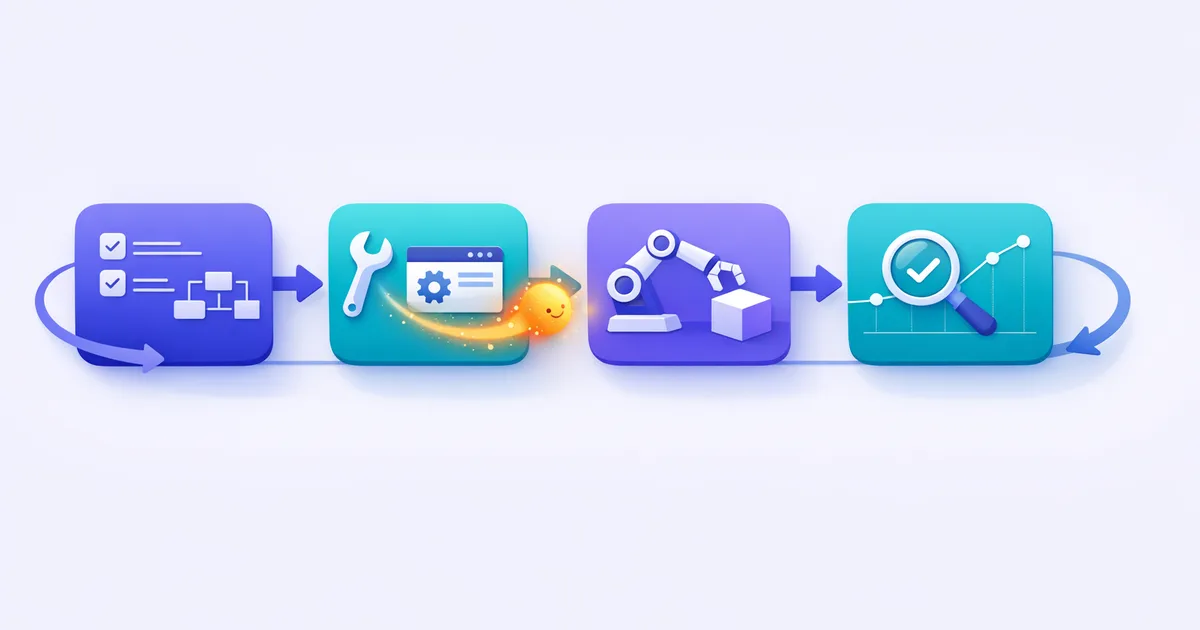
“First, 20 seconds of theory. A chatbot answers. An agent acts. Under the hood it’s three things: a brain (an AI model), tools it can use (like web search or sending email), and a loop — it decides what to do, does it, checks the result, and repeats until the job’s done. That’s the whole idea. I’ve got a full explainer linked below if you want to go deeper. Now let’s build one.”
[2:30–4:30] SETUP
“Head to n8n and create a free account — you can use the cloud version or self-host. (Screen: dashboard.) This canvas is where we’ll drag and connect nodes. First, let’s add our AI credential: go to credentials, add your API key for your model — I’m using [model]. Paste the key, save. n8n now has a brain to work with. Here’s the empty canvas — every block we add is one step the agent can take.”
[4:30–7:00] BUILD — STEP 1: TRIGGER
“Every workflow starts with a trigger — what kicks the agent off. (Add node.) I’ll use a Chat trigger so I can just type a request, but you could use a webhook, a form, or a schedule to run it automatically. Drop the trigger on the canvas. Test it — type ‘hello’ — and you’ll see it fire. Good. Now let’s give it a brain.”
[7:00–10:00] BUILD — STEP 2: THE AI AGENT NODE
“Add the AI Agent node and connect it to the trigger. (Screen.) Three things to set here. One: the model — select the credential we just added. Two: the system prompt — this is the agent’s job description. I’ll write: ‘You are a research assistant. When given a topic, search the web and return a concise, sourced summary.’ Three — and this is the magic — tools. Click to add a tool, pick web search, connect it. Now the agent isn’t just talking; it can look things up. This is the difference between a chatbot and an agent.”
[10:00–12:30] BUILD — STEP 3: GIVE IT HANDS + MEMORY
“An agent that finds an answer is nice — one that acts on it is useful. Let’s add a second tool: send email. (Add node, connect, map the agent’s output to the email body.) Now it can deliver the result, not just print it. Optional but powerful: add a memory node so it remembers the conversation across turns. (Add memory.) That’s it — brain, tools, hands, memory. We’ve built a real agent.”
[12:30–14:30] DEMO
“Moment of truth. (Type a real request, e.g. ‘Research the top 3 AI video tools and email me a summary.’) Watch the nodes light up — it’s thinking… searching… composing… and… (check inbox) there’s the email. A finished, sourced summary, done autonomously. We typed one sentence; the agent did the rest.”
[14:30–16:00] COMMON MISTAKES & TIPS
“Three things that trip people up. One: a vague system prompt — be specific about the job and the output format. Two: forgetting to connect the tool to the agent node — the tool has to be wired in, or the agent can’t use it. Three: not testing each node as you go — build and test step by step, not all at once. And start simple: one trigger, one tool. Add complexity only once it works.”
[16:00–END] CTA
“And that’s a working AI agent in about 15 minutes — no code. If you want the exact n8n template and the prompts I used, they’re free in the link below. Subscribe for the next one, where we’ll turn this into something you could actually sell as a service. And if you want to go all-in on building AI agents and automations as a business — I’ve got something for that, linked below too. See you in the next one.”
Video description (SEO + links)
Learn how to build an AI agent with n8n — no code, in 15 minutes. We connect a model, web search, and email into a working autonomous agent, with a live demo.
⏱️ Chapters: 0:00 What we’re building 1:00 What is an AI agent 2:30 Setup (n8n + API key) 4:30 Step 1: Trigger 7:00 Step 2: The AI Agent node + tools 10:00 Step 3: Hands + memory 12:30 Live demo 14:30 Common mistakes 16:00 Next steps
🔗 Full written guide: How to build an AI agent → 🎁 Free n8n agent template + prompts: download → 📖 What is an AI agent (explainer): → ▶️ AI agents playlist: →
(Description link to the paired blog article supports cross-format traffic and link balance — see content-strategy/09-link-building.md §4.)
Frequently asked questions
Do I need to know how to code to build an AI agent in n8n?
No — n8n is visual. You connect nodes (trigger, AI agent, tools) without writing code. You only paste an API key for your AI model.
What do I need to follow along?
A free n8n account (cloud or self-hosted) and one API key for an AI model. That's it.
Keep reading

Get good at AI — one practical email a week.
Tools, use cases, and shortcuts you can actually apply. No hype.