AI for Small Business: A Practical Guide to Getting Started
AI for small business means using affordable, ready-made AI tools — chatbots, writing assistants, bookkeeping helpers, and automation apps — to handle work that used to need extra staff or manual hours. The highest-impact starting points are customer service, marketing and content, and bookkeeping. You don’t need a developer or a big budget — most owners start with one free or ~$20/month tool and expand from there.
You’ve probably heard that AI is “transforming business.” For a small business owner, that framing isn’t very useful. You don’t need a transformation — you need to answer customers faster, get invoices out on time, and stop spending Sunday nights writing social posts. This guide skips the hype and shows where AI actually earns its keep in a small business, which tools are worth trying, what they cost, and how to start this week.
What “AI for small business” actually means
Artificial intelligence (AI) is software that performs tasks normally requiring human judgment — understanding language, writing, summarizing, answering questions, or spotting patterns in data. For small businesses, “AI” in practice means generative AI tools (like ChatGPT, Claude, or Gemini) and the growing layer of apps built on top of them: AI website chatbots, AI phone receptionists, AI bookkeeping assistants, and AI marketing tools.
The key shift is that you no longer buy or build AI — you subscribe to it. The same technology that powers enterprise systems is now available to a two-person shop for the price of a monthly streaming subscription. That accessibility, not the technology itself, is what’s new.
Why small businesses are adopting AI now
Three things changed at once: capable AI became cheap, it became easy to use (you type plain English, not code), and customer expectations rose. A small business that answers leads instantly and publishes consistently now competes with much larger ones.
Key takeaways
- AI Overviews now appear in roughly 25% of Google searches (Conductor, 2026) — being findable increasingly means being cited by AI, not just ranking.
- Adoption is fastest among smaller teams precisely because the tools are self-serve and low-cost — no IT department required.
- The realistic win for most owners isn’t replacing people; it’s removing 5–10 hours of repetitive work per week.
The honest version: AI won’t run your business, and it makes mistakes. But used for the right tasks, it’s the cheapest leverage a small business has had in a long time.
6 ways small businesses use AI today
Start by matching AI to a specific job, not the other way around. Here are the six areas where small businesses see results first:
- Marketing & content — drafting posts, emails, and ads
- Customer service — chatbots and AI receptionists
- Accounting & bookkeeping — categorizing and chasing invoices
- Automating admin & operations — connecting apps so routine work runs itself
- Sales & CRM — lead scoring and follow-ups
- Data & decision-making — plain-language answers from your own numbers
Marketing & content
Writing assistants (ChatGPT, Claude, Jasper) draft social posts, product descriptions, email newsletters, and ad copy in minutes — you edit rather than write from scratch. AI image tools (Canva’s AI features, Ideogram) create graphics without a designer. For local visibility, AI SEO tools help you find what customers search for and draft optimized pages. The trick: feed the tool your real voice and details, then edit. Generic AI output is obvious and won’t stand out.
Customer service: chatbots and AI receptionists
An AI chatbot on your website answers common questions (“What are your hours?”, “Do you ship to Canada?”) 24/7, so leads don’t go cold overnight. An AI receptionist or AI answering service picks up calls you’d otherwise miss, books appointments, and texts you a summary. For service businesses — clinics, salons, contractors, law offices — a missed call is a missed sale, and this is often the single highest-ROI AI use case.
Accounting & bookkeeping
AI bookkeeping features inside tools like QuickBooks or dedicated apps categorize transactions, flag anomalies, chase late invoices, and draft expense reports. You still want a human accountant for tax and strategy, but AI removes most of the manual data entry that eats evenings.
Automating admin & operations
Automation platforms (Zapier, Make, and newer AI agents) connect your apps so routine work happens by itself: a new order triggers an invoice, a form submission adds a CRM contact and sends a welcome email. AI adds a layer of judgment — summarizing, sorting, and drafting replies — on top of simple “if this, then that” rules.
Sales & CRM
An AI CRM scores leads, drafts follow-up emails, logs call notes automatically, and reminds you who to contact. For a small sales team, this means fewer leads slipping through the cracks and less time spent on data entry instead of selling.
Data & decision-making
You can paste a spreadsheet of sales or survey results into an AI tool and ask plain-language questions: “Which products had the best margin last quarter?” It won’t replace real analysis, but it makes your own numbers far more accessible when you don’t have an analyst.
Best AI tools for small business (by job)
There are thousands of AI tools; you need a handful. Pick by the job you want done, not by brand hype. Most have a free tier — start there.
| Tool | Best for (job) | Price | Free tier? |
|---|---|---|---|
| ChatGPT / Claude | Writing, drafting, brainstorming | Free / ~$20/mo | ✅ |
| Canva (AI features) | Social graphics, simple design | Free / ~$15/mo | ✅ |
| Jasper | Marketing copy at volume | from ~$39/mo | Trial |
| Intercom / Tidio | Website AI chatbot | Free / from ~$29/mo | ✅ |
| Goodcall / Dialpad AI | AI phone receptionist | from ~$45/mo | Trial |
| QuickBooks (AI) | Bookkeeping & invoicing | from ~$30/mo | Trial |
| HubSpot (AI CRM) | Sales & contact management | Free / paid tiers | ✅ |
| Zapier | Connecting apps & automation | Free / from ~$20/mo | ✅ |
| Otter.ai | Meeting notes & transcription | Free / ~$17/mo | ✅ |
| Perplexity | Research & quick answers | Free / ~$20/mo | ✅ |
You don’t need all of these. A common starter stack is one writing assistant, one chatbot, and one automation tool — under $60/month total.
How to start using AI in your business (5 steps)
Most owners stall because they try to “adopt AI” in the abstract. Make it concrete:
- Audit your week. Write down the repetitive, low-judgment tasks that eat your time — answering the same questions, writing posts, chasing invoices.
- Pick one task. Choose the most painful, repetitive one. Resist the urge to automate everything at once.
- Choose one tool from the table above that targets that exact job. Use the free tier.
- Test for two weeks. Run it on real work alongside your current process. Keep what saves time; drop what doesn’t.
- Measure and expand. Did it save hours or money? If yes, add the next tool. If no, try a different one — the cost of experimenting is near zero.
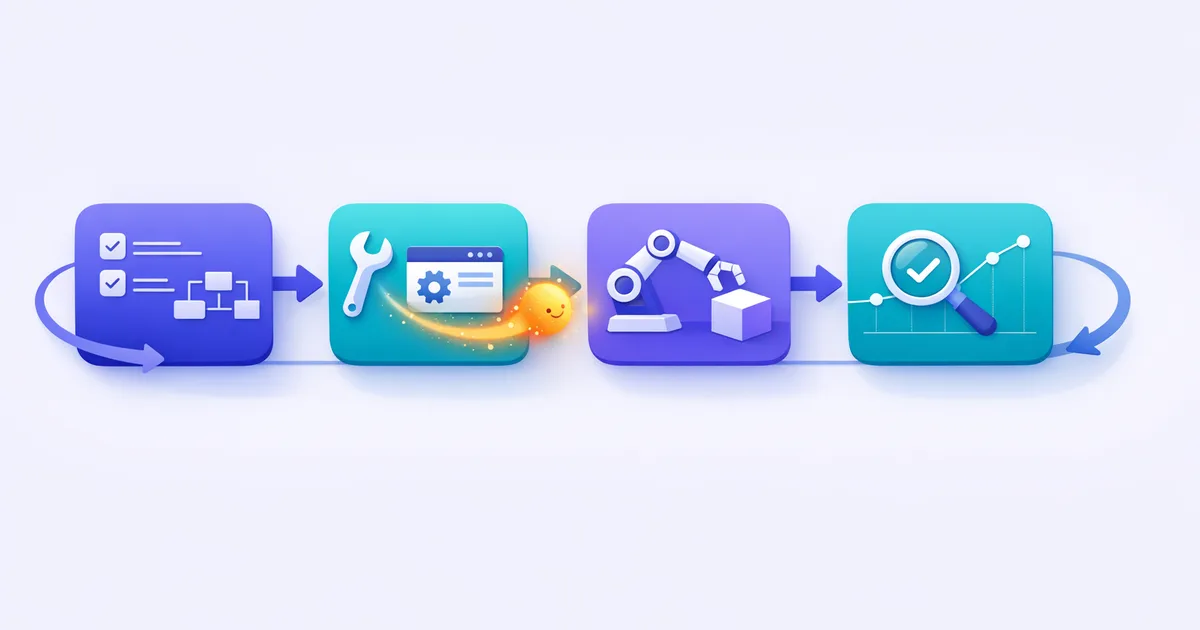
This loop — one task, one tool, two weeks — is how small teams adopt AI without disruption or wasted spend.
Risks & what to watch for
AI is useful, not magic. Keep four things in mind:
- Accuracy. AI confidently states wrong facts (“hallucinations”). Always review anything customer-facing or financial before it goes out.
- Data & privacy. Don’t paste sensitive customer or financial data into free consumer tools. Check whether a tool trains on your inputs; use business tiers for anything confidential.
- Cost creep. A $20 subscription here and there adds up. Review your stack quarterly and cancel what you don’t use.
- Over-automation. Customers still want a human for complex or emotional issues. Use AI to handle the routine and route the rest to a person.
How much does AI cost for a small business?
You can start for $0 using free tiers of ChatGPT, Canva, and a basic chatbot. A practical paid stack — a writing assistant, a chatbot or AI receptionist, and an automation tool — typically runs $50–150/month, far less than hiring for the same work. Scale spend only after a tool has proven it saves time or makes money.
| Stack | What’s in it | Monthly cost |
|---|---|---|
| Free starter | ChatGPT free, Canva free, basic chatbot, Zapier free | $0 |
| Solo / side business | ChatGPT Plus + Canva Pro + Otter | ~$50 |
| Growing small business | Writing tool + AI receptionist + automation + AI CRM | ~$100–150 |
| Service business (calls matter) | AI receptionist + chatbot + CRM | ~$120–180 |
Which tool to adopt first depends on your business:
- Service business (salon, clinic, contractor): an AI receptionist/answering service — missed calls are missed sales.
- Online/retail business: a website AI chatbot to answer and convert visitors 24/7.
- Content-heavy or solo business: a writing assistant to cut content time.
- Admin-heavy business: an automation tool (Zapier) to remove repetitive busywork.
Frequently asked questions
What is AI for small business? It’s the use of affordable, ready-made AI tools to handle tasks like customer questions, writing, scheduling, and bookkeeping — work that previously took staff time or manual effort. You subscribe to these tools rather than building anything.
How can a small business start using AI on a budget? Pick one repetitive task, choose one tool with a free tier that targets it, and test it for two weeks. Most businesses start free and spend under $60/month once they expand.
What are the best free AI tools for small business? ChatGPT and Claude (writing), Canva (graphics), HubSpot (CRM), Zapier (automation), and Otter.ai (meeting notes) all have genuinely useful free tiers — enough to get real value before paying.
Is AI safe for my business data? It can be, if you’re careful. Avoid pasting sensitive customer or financial data into free consumer tools, and use business or paid tiers — which typically don’t train on your data — for anything confidential.
How much does AI cost for a small business? You can start at $0 with free tiers. A useful paid stack of three tools usually costs $50–150/month — much less than hiring for the same tasks.
Can AI replace employees in a small business? Not really. AI is best at removing repetitive work so your people can focus on judgment, relationships, and complex problems. Think of it as leverage for your team, not a replacement.
What is an AI receptionist and how does it work? An AI receptionist answers your business calls automatically, responds to common questions, books appointments, and texts you a summary. For service businesses, it captures leads from calls you’d otherwise miss.
Do I need technical skills to use AI? No. Modern AI tools work in plain English — you type what you want, like sending a message. The main skill is being specific about what you need and reviewing the output.
New to the terminology? Start with our explainer on generative AI and our roundup of the best AI tools for coding if you build digital products. Want a shortcut? Grab our free AI Starter Bundle — a small-business starter plan, a prompt cheat sheet, and a Gemini photo-prompt pack, all in one download.
Keep reading

Get good at AI — one practical email a week.
Tools, use cases, and shortcuts you can actually apply. No hype.