Leonardo AI: What It Is and How to Use It (2026 Review)

Leonardo AI is one of the most flexible image generators for creators who want control, not just a single output. Custom models, a live Canvas, and a usable free tier make it a strong all-rounder. The token system rewards planning, and image quality trails Midjourney on pure aesthetics.
Pricing
| Plan | Price (monthly) | Tokens | Who it's for |
|---|---|---|---|
| Free | $0 | 150 tokens/day | Trying it out, light personal use |
| Apprentice | $12 (~$10 annual) | 8,500/month | Hobbyists, regular creators |
| Artisan | $30 (~$24 annual) | 25,000/month | Freelancers, frequent commercial work |
| Maestro | $60 (~$48 annual) | 60,000/month | Studios, high-volume production |
Most AI image tools give you one picture and hope you like it. Leonardo AI takes a different angle: it hands you a workshop. You get many models to choose from, the ability to train your own, a live editing Canvas, and upscaling — all in one place. We tested it on concept art, product mockups, and quick marketing visuals. Here’s what it is, how to use it, what it costs, and where it falls short.
What is Leonardo AI?
Leonardo AI is a text-to-image generation platform built for creators who want control over the output. You type a prompt, pick a model, and it generates images you can then refine, edit, upscale, or turn into short video. Where it stands apart is breadth: alongside its own models — including the Phoenix line released in early 2026 — it offers community-trained models and lets you train custom “fine-tunes” on your own images. That makes it popular with game artists, product designers, and marketers who need consistent style, not a one-off picture.
It started in game asset creation, and that DNA still shows. The tooling leans toward people producing many related images — characters, environments, product variations — rather than someone generating a single image to post once.
How to use Leonardo AI
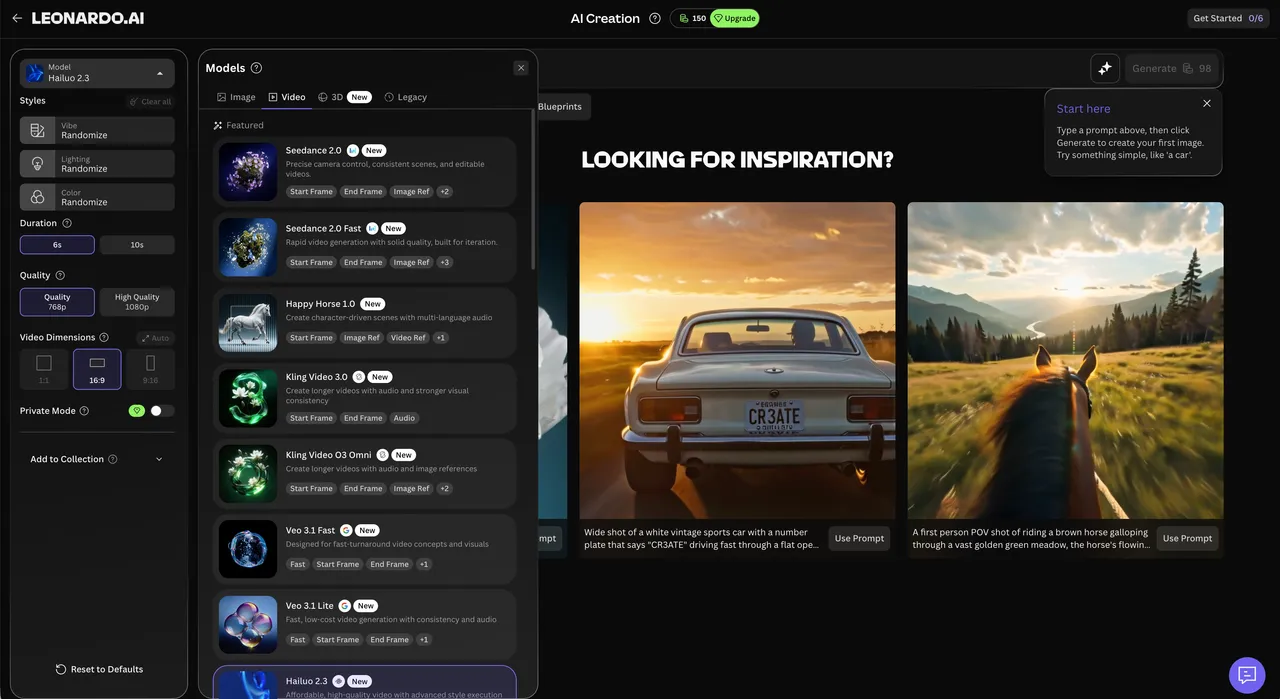
Going from idea to finished image takes a few minutes once you know the layout:
- Sign up and open the app. Go to leonardo.ai and create an account. Everything runs in the browser — no install. You land on the Image Generation page.
- Choose a model. Pick from Leonardo’s own models (Phoenix is a good default), a community model, or one you’ve trained. The model shapes the whole look, so this matters more than people expect.
- Write your prompt. Describe the subject, style, lighting, and framing. Add a negative prompt to exclude things you don’t want. Set the number of images and aspect ratio.
- Generate and review. It produces a batch. Each generation spends tokens based on the model and settings you chose.
- Refine in Canvas. Send an image to Canvas to inpaint (replace part of it), outpaint (extend it), or composite. The Real-Time Canvas updates as you type, so you iterate fast.
- Upscale and download. Upscale the final pick — up to 8K with generative refinement — then download it.
That’s the core loop: pick a model, prompt, generate, edit, upscale. For style consistency across many images, you train a fine-tune once and reuse it.
Key features
- Many models in one place: Leonardo’s own Phoenix models, 29+ fine-tuned options, and a community library.
- Custom fine-tunes: train your own model on 10–20 images to lock in a character, face, or art style.
- Real-Time Canvas: inpainting, outpainting, and compositing with near-instant updates as you prompt.
- Upscaling: push images up to 8K resolution with generative detail, not just stretching.
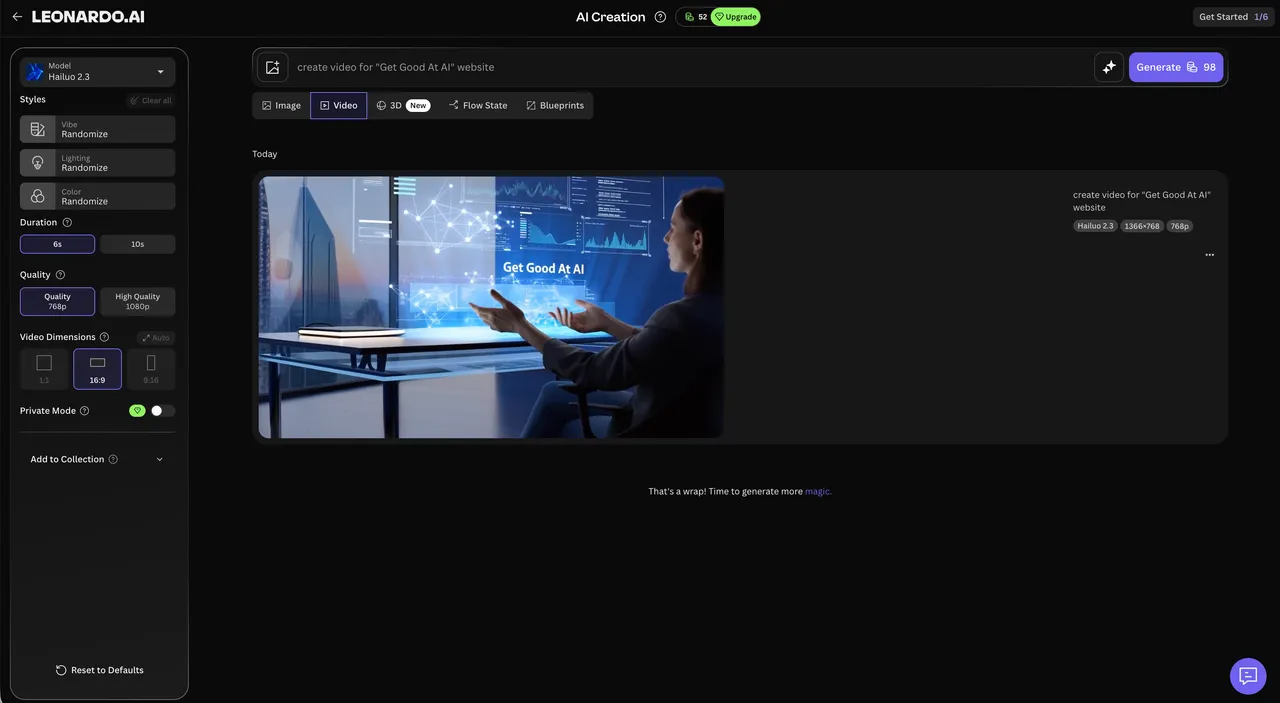
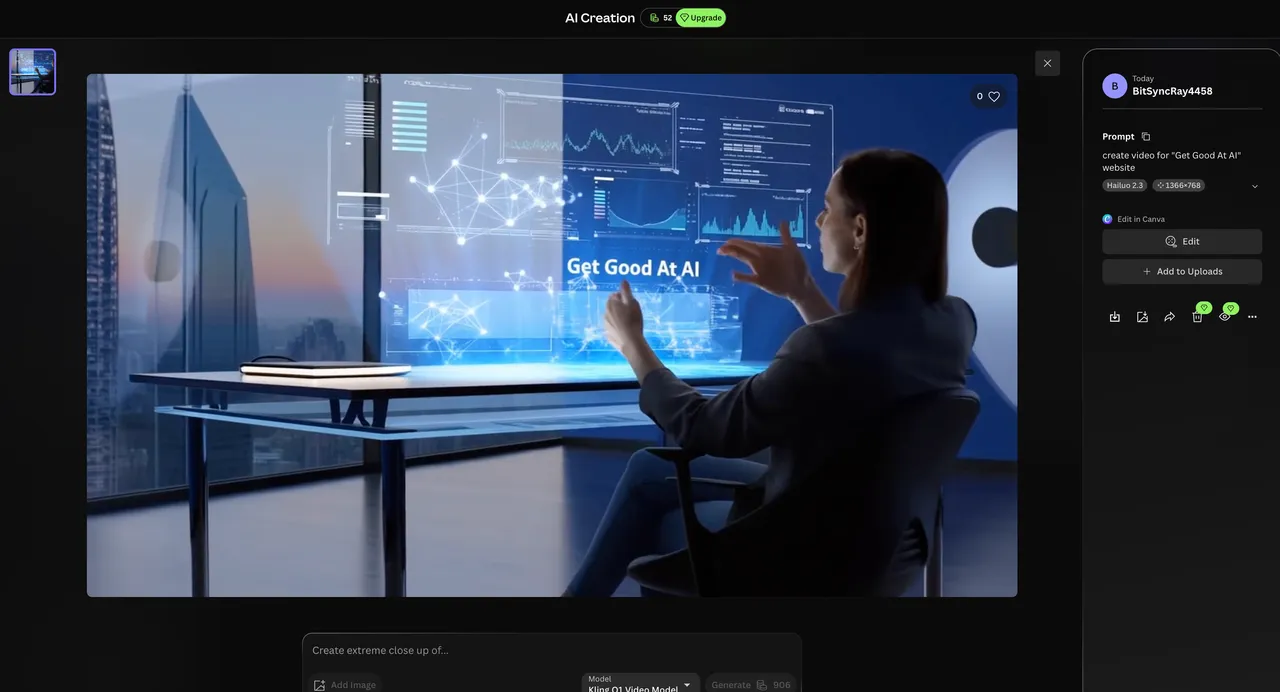
- Motion models: turn stills or prompts into short animated clips.
- Texture and 3D tools: generate UV-mapped textures for 3D models straight from text.
Best use cases
- Concept and character art — iterate on styles and keep a character consistent with a fine-tune.
- Game and product assets — produce many on-brand variations efficiently.
- Marketing and social visuals — quick hero images, product shots, and campaign art.
- Illustration and editorial — control composition through Canvas instead of re-rolling prompts.
- 3D and texture work — generate textures and references for downstream tools.
Understanding the free tier and pricing
This is where Leonardo AI rewards a little planning. Everything runs on tokens, the platform’s internal currency. Each action — generating, upscaling, or using a heavier model — costs tokens proportional to the computing power it needs. A simple generation is cheap; an 8K upscale on a premium model costs more.
The free tier gives 150 tokens per day (about 4,500 a month), which the company notes is enough for roughly 30–50 standard images daily depending on settings. Free generations are public to the community. That’s genuinely usable for learning the tool and light personal projects.
Paid plans, per the leonardo.ai pricing page (2026), scale the monthly token allowance and add private generations plus premium features. Annual billing knocks the price down on each tier.
| Plan | Price (monthly) | Tokens | Best for |
|---|---|---|---|
| Free | $0 | 150/day | Testing, light personal use |
| Apprentice | $12 (~$10 annual) | 8,500/month | Hobbyists, regular creators |
| Artisan | $30 (~$24 annual) | 25,000/month | Freelancers, commercial work |
| Maestro | $60 (~$48 annual) | 60,000/month | Studios, high-volume output |
Team plans start around $24 per seat, and there’s API access for developers. The honest takeaway: if you generate daily, the free tokens run out fast and Apprentice or Artisan pays for itself quickly. If you dabble, the free tier may be all you need.
Tips for getting better results
Leonardo AI gives you more knobs than most generators, and using them is the difference between flat and finished:
- Match the model to the job. A photorealistic model and an illustration model produce wildly different results from the same prompt.
- Use negative prompts to remove recurring problems (extra fingers, blur, watermarks) instead of re-rolling.
- Edit in Canvas rather than re-prompting. Fixing one region with inpainting is faster and cheaper in tokens than regenerating.
- Train a fine-tune for consistency. If you need the same character or style across many images, a custom model beats prompt-wrangling.
- Upscale last. It’s one of the more token-heavy actions, so only run it on your final pick.
Who is Leonardo AI for?
Leonardo AI fits creators who produce images at volume and want control: game and concept artists, product and marketing designers, illustrators, and indie studios. If you need consistent style across many assets, or you like editing rather than rolling the dice, it’s a strong home base. For a deeper prompting workflow, our guide on Gemini AI photo prompts covers principles that carry over.
It’s a weaker fit if you want the single most polished image with zero effort — that’s still Midjourney’s lane — or if you only need the occasional graphic, in which case a simpler tool like Napkin AI for diagrams may serve better. For video-first work, compare it with Higgsfield AI.
Leonardo AI alternatives
- Midjourney — often higher default aesthetic quality; less editing flexibility and no free tier.
- Dreamina AI — CapCut’s generator, strong if you also want AI video and short-form editing in one place.
- Adobe Firefly — strong commercial-safe licensing and Photoshop integration.
- Stable Diffusion (local) — maximum control and free if you run it yourself, but technical to set up.
Browse more in our tool reviews to find the right fit for your workflow.
Is Leonardo AI worth it?
For creators who work in images regularly, yes. The combination of multiple models, custom fine-tunes, a real-time editing Canvas, and upscaling makes Leonardo AI one of the most capable all-rounders we’ve tested — and the free tier means you can confirm that yourself before paying. The honest caveats: default aesthetic quality still trails Midjourney, and the token system means heavy users need a plan and a little budgeting. After testing, our rule is simple: use Leonardo when you need control and consistency across many images, and treat the free tokens as a real trial, not a teaser. Want tool breakdowns like this in your inbox? Subscribe and we’ll send the ones worth your time.
Pros & cons
Pros
- Genuinely flexible: many models, custom fine-tunes, and editing tools in one place
- Usable free tier (150 daily tokens) so you can test the full workflow
- Real-time Canvas gives fast, controllable iteration
- Strong for game, product, and concept art — not just pretty pictures
Cons
- Token system means heavy use needs a paid plan and some budgeting
- Pure aesthetic quality still trails Midjourney on default settings
- The number of models and settings can overwhelm beginners at first
Frequently asked questions
What is Leonardo AI?
Leonardo AI (leonardo.ai) is an AI image generation platform. You describe an image in text and it produces it, with extra tools for editing, upscaling, training custom models, and even short video. It's aimed at creators who want control over the result, not just a one-click image.
Is Leonardo AI free?
Yes. The free tier gives you 150 tokens per day (roughly 4,500 a month), enough to generate dozens of standard images daily. Paid plans add far more tokens, private generations, and premium features.
How much does Leonardo AI cost?
After the free tier, plans are Apprentice at $12/month, Artisan at $30/month, and Maestro at $60/month, per the leonardo.ai pricing page (2026). Annual billing lowers each. Team plans start around $24 per seat.
How do Leonardo AI tokens work?
Tokens are the platform's currency. Each action — generating, upscaling, using a heavier model — costs tokens based on how much computing power it needs. More demanding tasks cost more, so you budget tokens across your work.
Is Leonardo AI better than Midjourney?
It depends on your goal. Midjourney often wins on pure aesthetic polish out of the box. Leonardo AI wins on control, editing tools, custom models, and a free tier. Many creators use both.
Can I use Leonardo AI images commercially?
Yes, paid plans allow commercial use, and paid generations can be kept private. Always check the current Leonardo AI terms for your plan before using images in a paid project.
What can you make with Leonardo AI?
Concept art, character and game assets, product shots, illustrations, marketing visuals, textures for 3D models, and short clips via its Motion models. It's built for production work, not just casual images.
Keep reading

Get good at AI — one practical email a week.
Tools, use cases, and shortcuts you can actually apply. No hype.