Dreamina AI: What It Is and How to Use It (2026 Review)

Dreamina AI is CapCut's image-and-video generator, and its real edge is the pipeline: prompt a clip, then send it straight into CapCut to edit and publish. Quality is strong for short-form social, the free tier is usable, and the main catch is data — it's a ByteDance product.
Pricing
| Plan | Price (monthly) | Credits | Who it's for |
|---|---|---|---|
| Free | $0 | 225/day (shared) | Testing, light social use (watermarked) |
| Basic | ~$18 | ~1,010/month | Hobbyists, occasional video |
| Standard | ~$42 | ~4,040/month | Regular short-form creators |
| Advanced | ~$84 | ~13,110/month | High-volume social and agency work |
Most AI generators hand you a clip and leave the editing to you. Dreamina sits inside the CapCut ecosystem, so the picture you generate and the timeline where you finish it live in the same place. We tested it on vertical social clips, product images, and a talking avatar. Here’s what it is, how to use it, what it costs, and where it falls short.
What is Dreamina AI?
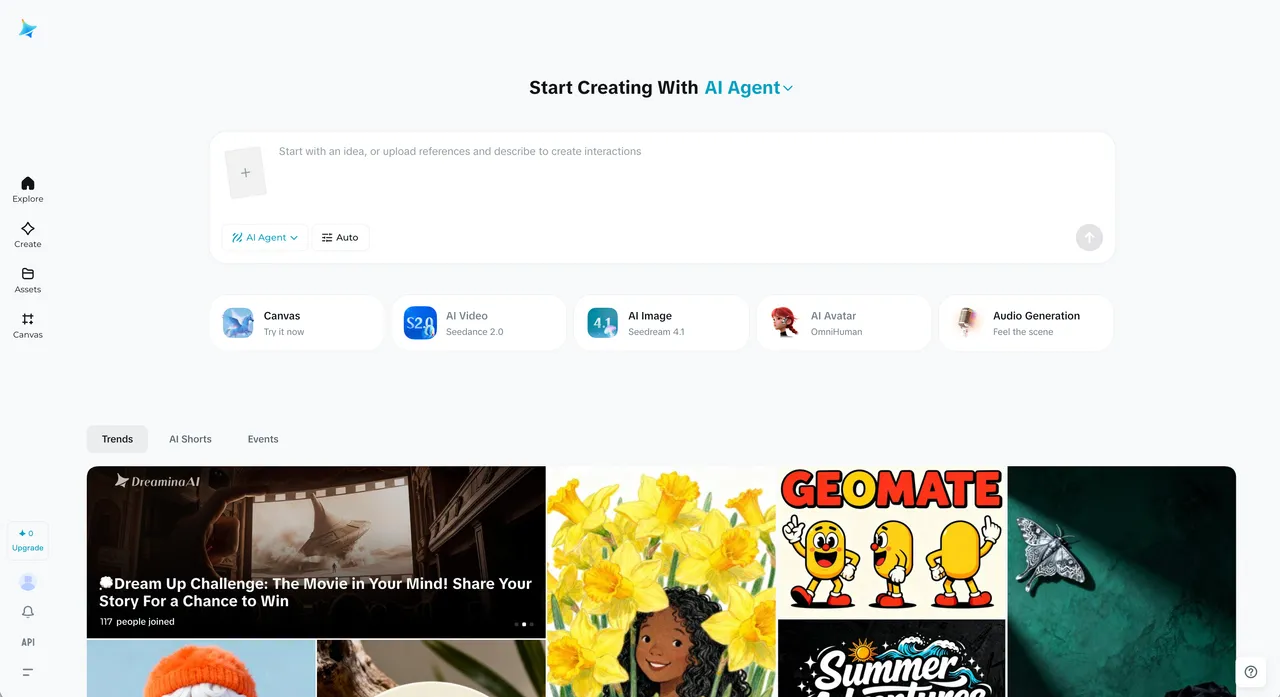
Dreamina AI is a text-to-image and text-to-video generator made by ByteDance, the company behind CapCut and TikTok. You type a prompt, pick a model and format, and it produces images or short videos. You can also upload a still and animate it (image-to-video), turn a photo into a talking avatar with lip-sync, and clean up results with built-in editing tools.
What sets it apart is not raw quality alone — it’s the pipeline. Dreamina connects straight into CapCut, so a generated clip can move into a real video editor for trimming, captions, music, and transitions. It bundles several leading models too: Seedream for images, Seedance for video, plus access to outside models like Sora and Veo, per Dreamina’s site (2026). That makes it a natural fit for people producing short-form social video at speed rather than chasing a single gallery-grade image.
How to use Dreamina AI
Going from idea to a finished, publishable clip takes a few minutes once you know the layout:
- Sign up and open the app. Go to dreamina.capcut.com and create an account. It runs in the browser, and there’s a desktop path through CapCut as well. You’ll see tools for images, video, and avatars.
- Pick your tool and model. Choose text-to-image, image-to-video, or AI video. Then select a model — a higher-quality image model or the Seedance video engine, for example. The model shapes the whole look.
- Write your prompt. Describe the subject, style, lighting, camera movement (for video), and mood. For image-to-video, upload your still first, then describe how it should move.
- Set format and resolution. Pick an aspect ratio — 9:16 for stories and Reels, 1:1 for feed posts, 16:9 for YouTube — and a resolution. Vertical formats are where Dreamina is clearly aimed.
- Generate and review. It produces your image or clip and spends credits based on the model, length, and resolution you chose.
- Edit, then send to CapCut. Use the canvas tools to inpaint, expand, remove objects, or upscale. When the result is right, push it into CapCut to add music, captions, and transitions, then export as MP4.
That’s the core loop: pick a tool, prompt, generate, refine, finish in CapCut. The handoff to the editor is what makes it feel like one workflow instead of two separate apps.
Key features
- Image generation: text-to-image with multiple models, aspect-ratio control, and resolutions suited to social formats.
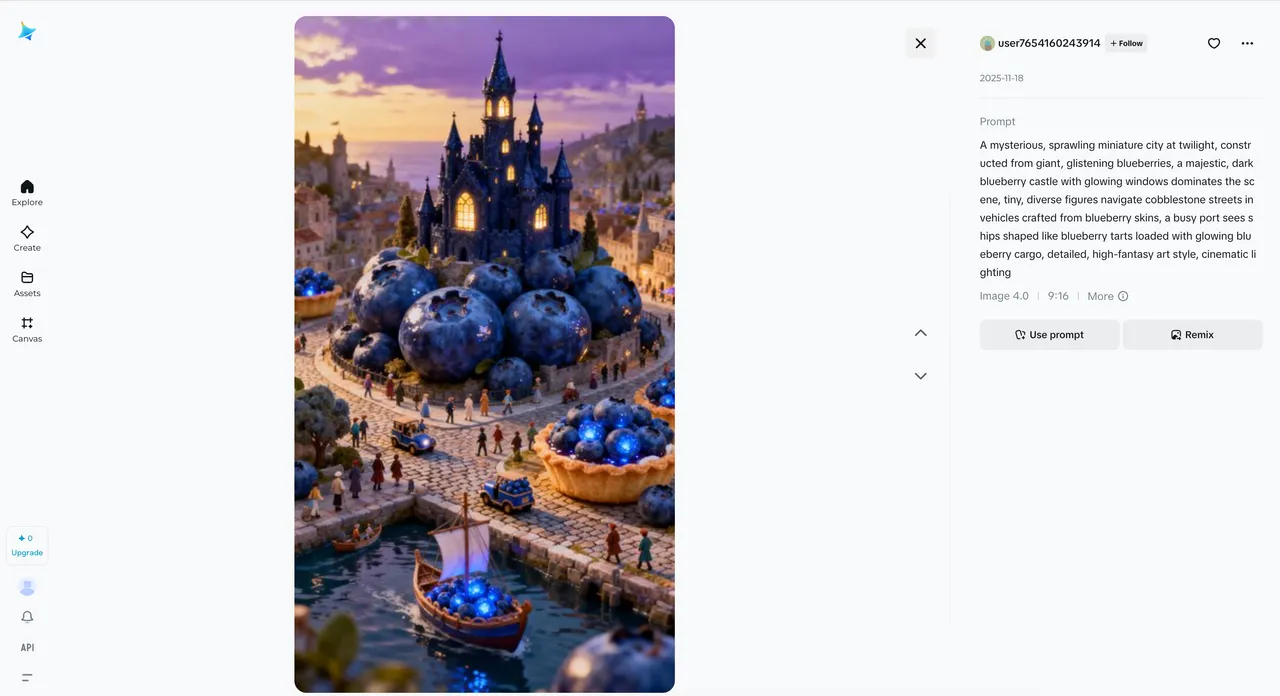
- Video generation: text-to-video and image-to-video with cinematic camera moves (tracking, orbit, zoom) and scene consistency via the Seedance engine.
- Multiple models in one place: Seedream and Seedance natively, plus access to outside models like Sora and Veo.
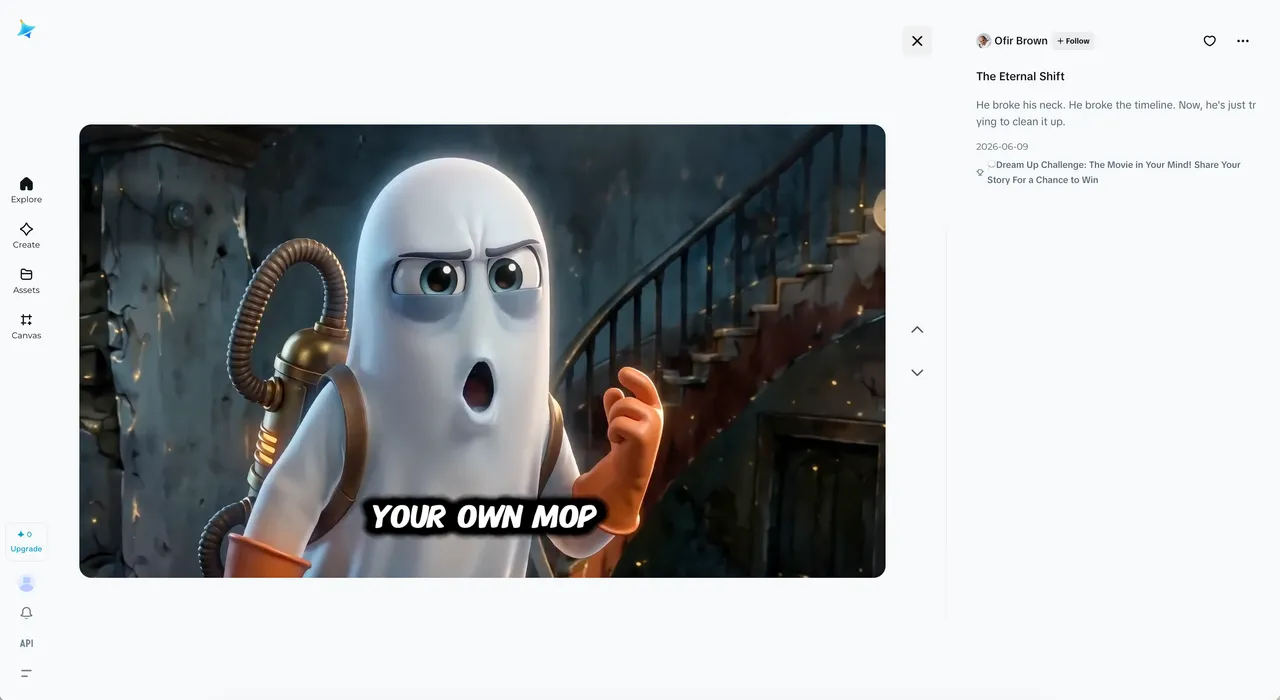
- AI avatars: turn a photo into a talking avatar with lip-sync for narration or short presentations.
- Canvas editing tools: inpainting, image expansion, object removal, background removal, retouching, and upscaling up to 4K.
- CapCut integration: generate inside CapCut via “Create with AI,” then sync clips into the timeline to finish and publish.
Best use cases
- Short-form social video — vertical Reels, TikToks, and Shorts from a single prompt, finished in CapCut.
- Image-to-video animation — bring a product photo, illustration, or still to life with controlled motion.
- Social images and thumbnails — quick feed posts, story graphics, and YouTube thumbnails in the right aspect ratio.
- Talking-head and avatar clips — narrated explainers or announcements without filming yourself.
- Ad and product visuals — fast variations for testing creative on paid social.
Understanding the free tier and pricing
Dreamina runs on credits, a single currency shared across image, video, and avatar tools. Each action costs credits based on what it demands: a still image is cheap, while a longer, higher-resolution video costs far more. That shared pool matters, because a few video generations can burn through a day’s allowance that would otherwise cover dozens of images.
The free tier gives 225 credits per day, per Dreamina’s site (2026) — enough for roughly 8-10 standard images, or one to two short clips, daily. Free outputs carry a watermark in the corner, which signals “AI-generated, free plan” and rules them out for most professional use. As a way to learn the tool and post casual content, though, it’s genuinely usable.
Paid plans, per 2026 pricing coverage, scale the monthly credit allowance, remove the watermark, and add HD resolution and faster generation. Exact figures shift by region and over time, so treat the numbers below as a current guide, not a contract.
| Plan | Price (monthly) | Credits | Best for |
|---|---|---|---|
| Free | $0 | 225/day (shared) | Testing, light social use (watermarked) |
| Basic | ~$18 | ~1,010/month | Hobbyists, occasional video |
| Standard | ~$42 | ~4,040/month | Regular short-form creators |
| Advanced | ~$84 | ~13,110/month | High-volume social, agency work |
The honest takeaway: if you mostly make images, the free 225 credits stretch a long way. If you make video daily, credits run out fast and a Standard or Advanced plan pays for itself in saved watermark-removal headaches and resolution.
Tips for getting better results
Dreamina rewards a little discipline, especially because video eats credits:
- Test on images first. Lock your prompt and style cheaply on stills before spending big credits on a video version.
- Be specific about motion. For video, name the camera move (slow zoom, tracking shot, orbit) instead of leaving it to chance.
- Match the aspect ratio to the platform before you generate, not after — re-rolling in a new format costs more credits.
- Use the canvas tools to fix, not re-roll. Inpainting or object removal is cheaper than regenerating a whole clip.
- Finish in CapCut, not Dreamina. Captions, music, and pacing are faster and free in the editor than re-prompting for them.
Who is Dreamina AI for?
Dreamina fits short-form video and social-media creators who want to go from idea to published clip without juggling tools. If you already use CapCut, the integration is the selling point — generation and editing in one loop. It’s also a fair starting point for anyone learning AI video, since the free tier lets you try real workflows. For prompting fundamentals that carry over, our guide to ChatGPT photo prompts covers principles that apply here too.
It’s a weaker fit if you need fine-grained control, custom-trained models, or commercial-safe licensing for sensitive work — areas where Leonardo AI gives you more levers. And because it’s a ByteDance product, anyone handling confidential or heavily branded material should weigh the data trade-offs before uploading.
Dreamina AI alternatives
- Leonardo AI — more image control, custom fine-tunes, and editing depth; less of a one-click social-video pipeline.
- Higgsfield AI — focused on stylized, motion-driven AI video with strong cinematic controls.
- Midjourney — higher default aesthetic polish on images, but no native video editor or free tier.
- Sora (OpenAI) — stronger long-form, coherent video generation, at a higher price and without the CapCut loop.
Browse more in our tool reviews to find the right fit for your workflow.
Is Dreamina AI worth it?
For short-form creators already living in CapCut, yes. The combination of solid image and video models, a usable free tier, and a direct handoff to a real editor makes Dreamina AI one of the smoother prompt-to-publish workflows we’ve tested. The honest caveats: free outputs are watermarked, video drains credits quickly, and it’s a ByteDance product — so read the privacy terms before trusting it with sensitive work. After testing, our rule is simple: use Dreamina when speed and a finished social clip matter more than maximum control or licensing certainty, and treat the free credits as a real trial. Want tool breakdowns like this in your inbox? Subscribe and we’ll send the ones worth your time.
Pros & cons
Pros
- One workflow from prompt to finished video: Dreamina feeds directly into CapCut
- Genuinely usable free tier (225 daily credits) shared across image, video, and avatar tools
- Multiple top models in one place — Seedance, Seedream, plus Sora and Veo access
- Strong for vertical, short-form social content that creators actually publish
Cons
- It's a ByteDance product, so weigh the data and privacy trade-offs for your work
- Free generations carry a watermark, and credits drain fast on video
- Less control and fewer custom-model options than Leonardo or local Stable Diffusion
Frequently asked questions
What is Dreamina AI?
Dreamina AI (dreamina.capcut.com) is CapCut's AI image and video generator, built by ByteDance. You describe an image or video in text, or upload an image to animate, and it generates the result. It also offers talking avatars, editing tools, and a direct link into the CapCut video editor.
Is Dreamina AI free?
Yes. The free tier gives 225 credits per day, shared across image, video, and avatar generation. That's roughly 8-10 standard images, or 1-2 short video clips, daily. Free outputs carry a watermark, so paid plans are needed to remove it and get HD resolution.
How much does Dreamina AI cost?
Beyond the free tier, paid plans run roughly $18 to $84 per month depending on credits, per coverage of Dreamina's 2026 pricing. A Basic plan sits near $18, Standard near $42, and Advanced near $84. Prices and credit amounts vary by region, so check dreamina.capcut.com for current figures.
How do Dreamina credits work?
Credits are the platform's currency, shared across every tool. Each action costs credits based on what it demands — a still image is cheap, while a longer, higher-resolution video costs far more. So your daily allowance disappears quickly if you focus on video rather than images.
Is Dreamina AI safe to use? What about ByteDance?
Dreamina is owned by ByteDance, CapCut's parent company. For casual content that's usually fine, but for sensitive, branded, or commercial work, read the current privacy terms and consider where your prompts and uploads are processed. Treat data carefully, as you would with any free generative tool.
Can I use Dreamina AI for commercial work?
Paid plans generally allow commercial use and remove the watermark. Free outputs are watermarked and less suited to professional projects. Always check Dreamina's current terms for your plan and region before using generations in a paid or branded campaign.
How does Dreamina connect to CapCut?
Inside CapCut you open 'Create with AI' to use Dreamina's generators without leaving the editor. Generated clips can sync into the CapCut timeline, where you trim, add music, captions, and transitions. That prompt-to-edit-to-publish loop is Dreamina's main advantage over standalone generators.
Keep reading


Get good at AI — one practical email a week.
Tools, use cases, and shortcuts you can actually apply. No hype.