Viral ChatGPT Photo Prompts: Copy-Paste Ideas (2026)
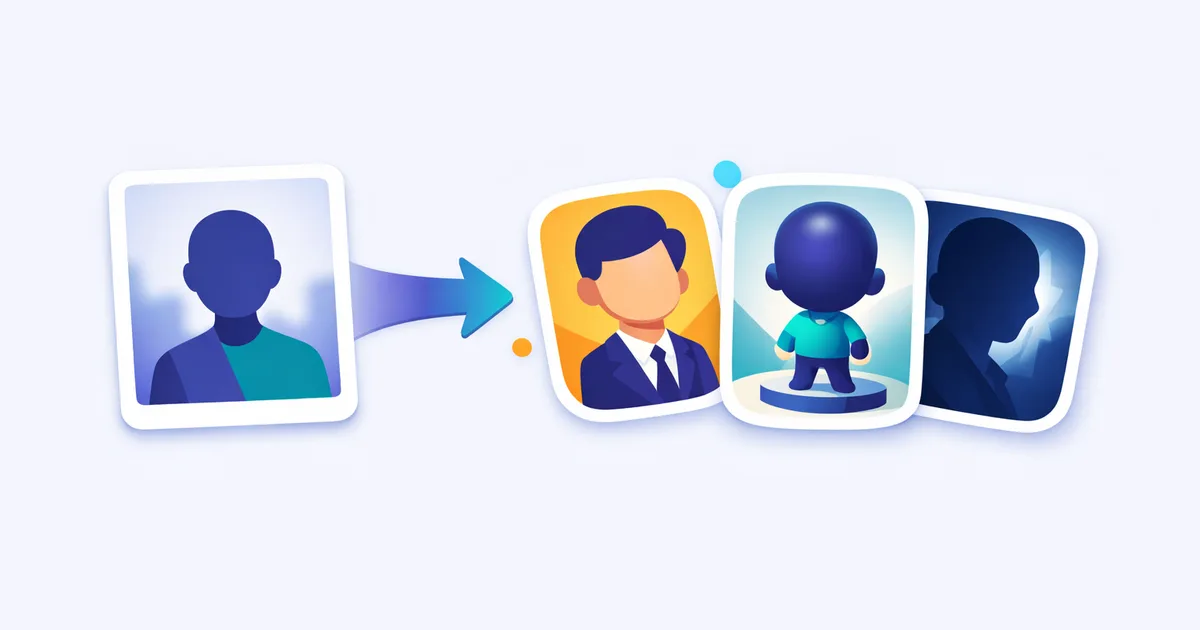
ChatGPT photo prompts are text instructions you paste into ChatGPT's image feature to restyle an uploaded photo — turning a selfie into a caricature, a 3D collectible figurine, or a cinematic portrait. Below are copy-paste prompts for the viral styles, plus tips for keeping your likeness. All free to use.
Copy-paste prompts
Create a fun, exaggerated caricature of the person in this photo, surrounded by objects that represent their job as a [your job], big expressive head, playful cartoon style, clean background, preserve the person's recognizable facial features.
Turn the person in this photo into a hyper-realistic 3D collectible action figure inside retail blister packaging, transparent plastic window, accessories that match their hobbies, the name [your name] printed on the box, studio product lighting.
Transform the person in this photo into a cute chibi-style 3D toy figure, oversized expressive eyes, glossy vinyl texture, pastel display stand, soft studio lighting, keep their real hairstyle and outfit colors.
Create a cinematic portrait of the person in this photo, soft golden-hour lighting, shallow depth of field, film grain, warm color grading, preserve the person's real facial features.
Reimagine this photo as a hand-painted animation still in the style of a cozy Japanese animated film, soft watercolor backgrounds, warm afternoon light, gentle expression, keep the person's hairstyle and outfit recognizable.
Professional headshot of the person in this photo, neutral studio background, soft even lighting, sharp focus, business-casual attire, confident natural expression, preserve the person's real facial features exactly.
Restyle this photo as a 1970s film photograph, faded warm colors, soft grain, slight vignette, vintage fashion styling, nostalgic afternoon light.
Turn this photo into a vintage Polaroid instant photo, white frame, slightly washed-out colors, soft focus, casual candid feel, handwritten caption at the bottom that says [your caption].
Put the person in this photo on a fashion magazine cover, editorial studio lighting, bold masthead reading [magazine name], cover lines about their life, high-contrast professional photography, preserve their real face.
Based on this photo of my pet, imagine what they would look like as a human, keep their fur colors as hair and outfit tones, matching personality and expression, realistic portrait, soft studio lighting.
Cozy Christmas portrait of the person in this photo, warm fairy lights, festive knit sweater, soft bokeh background, gentle snowfall outside a window, cheerful mood, preserve their real facial features.
Create a miniature diorama scene featuring the person in this photo as a tiny figure in a detailed [hobby or workplace] world, tilt-shift photography effect, soft studio lighting, playful realistic details.
Every few months a new ChatGPT photo trend takes over social feeds — first it was boxed action figures, then job caricatures, then pets reimagined as humans. The mechanics never change: upload a photo, paste a well-written prompt, get a stylized version of yourself. What does change is how good your prompt is, and that’s the difference between a result you post and one you delete. The prompts above are written for ChatGPT’s image generation specifically — copy any of them, edit the bracketed parts, and you’re set.
How to use photo prompts in ChatGPT
The whole workflow takes under two minutes:
- Open ChatGPT (chatgpt.com or the app) and start a new chat.
- Upload your photo using the attachment button — a clear, well-lit shot of your face works best.
- Paste a prompt from the pack above, editing anything in brackets ([your job], [your name]).
- Send and review. ChatGPT generates the image; this can take a little while at busy times.
- Refine in follow-ups. Ask for one change at a time: “make the lighting warmer,” “keep my face closer to the original photo.”
That last step is where ChatGPT genuinely differs from most image tools: because it’s a conversation, you don’t rewrite the prompt from scratch — you just tell it what to fix. Treat the first generation as a draft, not a verdict.
A note on limits: free accounts can generate images but hit a daily cap, and exact limits shift as OpenAI adjusts capacity. If generation refuses or stalls, check that your photo and request follow the content rules — images of real people get extra scrutiny, which is reasonable.
Keeping your likeness (the hard part)
The most common complaint with ChatGPT photo restyling is “that doesn’t look like me.” A few habits fix most of it:
- Say it explicitly. Add “preserve the person’s real facial features” to any prompt — it’s already baked into most of the pack above.
- Start with a good source photo. Front-facing, even lighting, no heavy filters. The model can only keep what it can see.
- Don’t stack too many transformations. “Caricature + 3D + vintage film” in one prompt usually destroys the likeness. Pick one style per generation.
- Fix, don’t regenerate. If the face drifts, reply “keep my facial features closer to the uploaded photo” instead of starting over. Regenerating re-rolls everything; a follow-up targets the problem.
- Expect more drift in stylized looks. A caricature or chibi figure is supposed to exaggerate — judge those by “recognizably me,” not photo accuracy.
How to write your own ChatGPT photo prompt
Every prompt in this pack follows the same five-element structure. Once you see it, you can write your own in a minute:
- Subject — who or what, and the anchor phrase “the person in this photo.”
- Style/look — the aesthetic (“caricature,” “1970s film,” “chibi toy figure”).
- Lighting — usually the biggest quality lever (“golden-hour,” “studio product lighting”).
- Mood/color — the feeling and palette (“warm and nostalgic,” “pastel,” “high-contrast”).
- Details/constraints — personalization and the likeness instruction (“name on the box,” “preserve real facial features”).
Stack those into one or two sentences and you’ll outperform a vague “make this cool” every time. If the result misses, change one element, not five. Want a head start? Our AI prompt generator assembles prompts in exactly this format, and the rest of our free tools cover the surrounding workflow.
Why these trends go viral
Three things make a photo prompt spread. First, a specific, instantly recognizable format — a boxed action figure or a job caricature reads as “the trend” at a glance, even in a small thumbnail. Second, easy personalization: one template plus your job, your name, or your pet equals thousands of variations, and everyone’s version is different enough to post. Third, low friction — no editing skills, no design software, just upload and paste. The caricature trend that swept feeds in early 2026 ticked all three boxes, which is why it spawned so many spin-offs (couple caricatures, team caricatures, “roast my job” versions).
The practical takeaway for your own prompts: aim for a format someone could describe in five words, and leave one obvious slot for personalization.
Do these prompts work outside ChatGPT?
Mostly, yes. The five-element structure is model-agnostic, so the same prompts produce close results in Google’s Gemini — we keep a separate Gemini photo-prompt pack with versions tuned for its image model, including a few styles Gemini handles better (it’s particularly strong at photoreal restyling). For illustration-heavy or fine-art looks, a dedicated image tool like Leonardo AI gives you more control over style models and consistency than a chat interface can.
If you want the full set — the ChatGPT pack, the Gemini pack, and a one-page prompt cheat sheet — grab the free bundle via email signup. We refresh it whenever a new trend takes off, so your pack doesn’t go stale by next month.
Frequently asked questions
What are ChatGPT photo prompts?
Text instructions you paste into ChatGPT alongside an uploaded photo to restyle it — into a caricature, a 3D figurine, a cinematic portrait, or any other look you describe.
How do I use a photo prompt in ChatGPT?
Open ChatGPT, upload your photo, paste a prompt (editing the bracketed parts), and send. Review the result, then ask for one change at a time until it looks right.
Do I need a paid ChatGPT plan for image generation?
Free accounts can generate images, but with daily limits that change over time. Paid plans get more generations and faster results. The prompts themselves work on any plan.
How do I keep my face recognizable in the result?
Add 'preserve the person's real facial features' to the prompt, start from a clear well-lit photo, and ask for fixes in follow-ups ('keep my face closer to the original') instead of regenerating from scratch.
Do these prompts work in Gemini too?
Mostly, yes. Both tools respond to the same five elements — subject, style, lighting, mood, details. We keep a separate Gemini pack tuned for its image model.
What's the viral ChatGPT photo trend right now?
Job caricatures, boxed 3D figurines, chibi toy figures, and pet-to-human portraits are the big ones in 2026. We update this pack as new trends appear.
Is it safe to upload my photo to ChatGPT?
Your photo is processed under OpenAI's data policies — check your settings if you don't want uploads used for training. Avoid uploading photos of other people without their permission.
Keep reading

Get good at AI — one practical email a week.
Tools, use cases, and shortcuts you can actually apply. No hype.